The problem with every other quote card maker
Most quote image generators are web apps: you copy the text, open the site, paste it into a template, retype the attribution, fiddle with fonts, download. By the time the card exists, you've lost the thread of what you were reading — and the source link never makes it onto the image.
Screenshot Framer flips the flow: the quote card is generated where you found the quote. Highlight the text, right-click, done — with the source URL captured automatically.
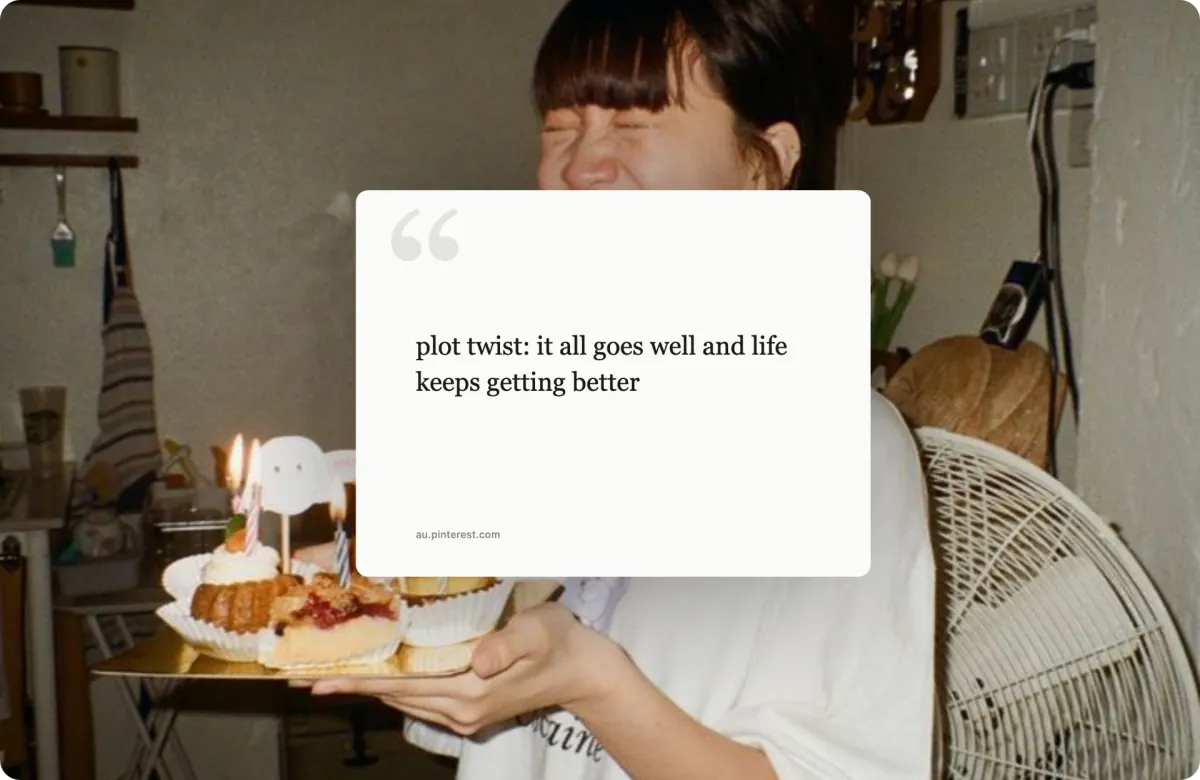
What you can style
- Five typography presets — Georgia, Playfair Display (editorial), Nunito (bold meme style), Caveat and Dancing Script (handwritten).
- Designer backgrounds — 31 gradients (incl. iconic macOS & Windows homages), 13 patterns, your own image, or an auto-generated backdrop.
- Aspect ratios for every platform — 1:1 for Instagram, 16:9 for X and LinkedIn, or any custom ratio.
- Export & share — PNG, JPG, WebP, PDF or SVG up to 8K, or one-click share to 13 platforms.
Who uses quote cards this way
| Use case | Why the source URL matters |
|---|---|
| Researchers & students | Citation cards that keep the reference attached to the quote |
| Writers & newsletter authors | Pull-quotes from sources, shareable and attributable |
| Marketers | Customer testimonials and press mentions as branded social graphics |
| Community managers | Highlighting user feedback from forums and reviews with provenance |
Free, local, no strings
No account, no watermark, no export cap. Everything renders in your browser — the text you highlight and the cards you make never touch a server. If a quote contains something sensitive, the draw-to-redact brush blurs it before export.